How to Write Subscript in WhatsApp
Word and Google Docs have built-in subscript options, but WhatsApp does not. There is no subscript button, keyboard shortcut, or setting that lets you turn normal text into subscript.
If you want to type something like H₂O or x₁ in WhatsApp, you cannot apply subscript formatting directly in the chat box. WhatsApp mainly supports simple text formatting such as bold, italic, and strikethrough. In this guide I will describe how you can use subscript in WhatsApp by using our subscript generator.
#Why You Can't Type Subscript Directly in WhatsApp
WhatsApp has only a few simple text formatting options, such as using asterisks for bold and underscores for italics. Unfortunately, there is no similar trick for subscripts.
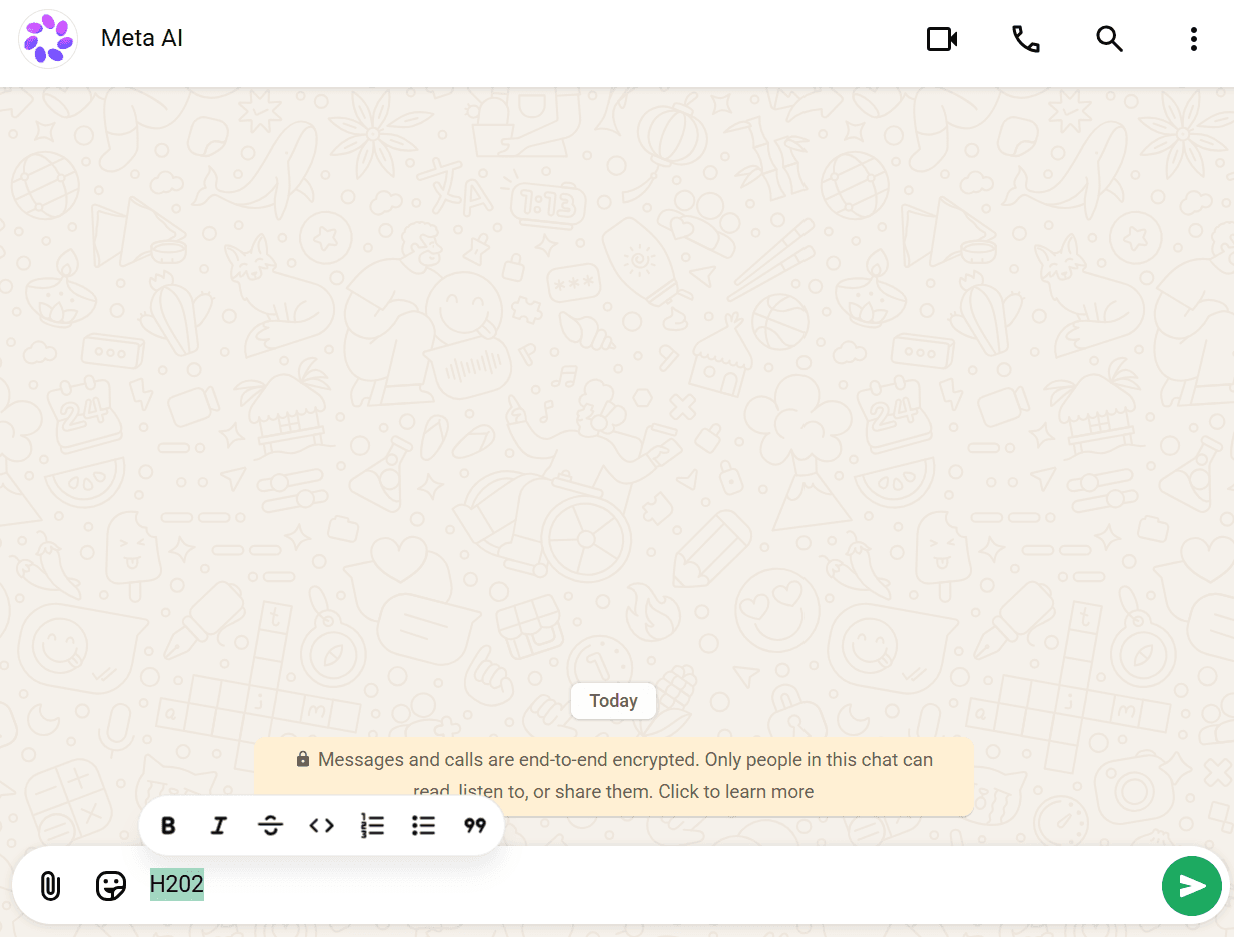
Subscript is different because the character needs to appear smaller and lower than normal text. WhatsApp does not provide this type of text formatting in its chat box. So, adding symbols, extra spaces, or changing settings will not create a true subscript.
If you need to send text like H₂O or x₁, the easiest solution is to use Unicode subscript characters and copy and paste them into WhatsApp.
#Alternative Option: Use a Subscript Generator
Since WhatsApp does not support subscript formatting, the easiest solution is to use a subscript generator. These free online tools turn normal letters and numbers into Unicode characters that look like subscripts, such as ₂, ₃, and ₄.
Because these are special characters rather than text formatting, you can simply copy them and paste them into WhatsApp. There is no need for a keyboard shortcut, menu, or extra setting. This makes it an easy way to type things like H₂O or x₁ in a WhatsApp chat.
Here's how it works:
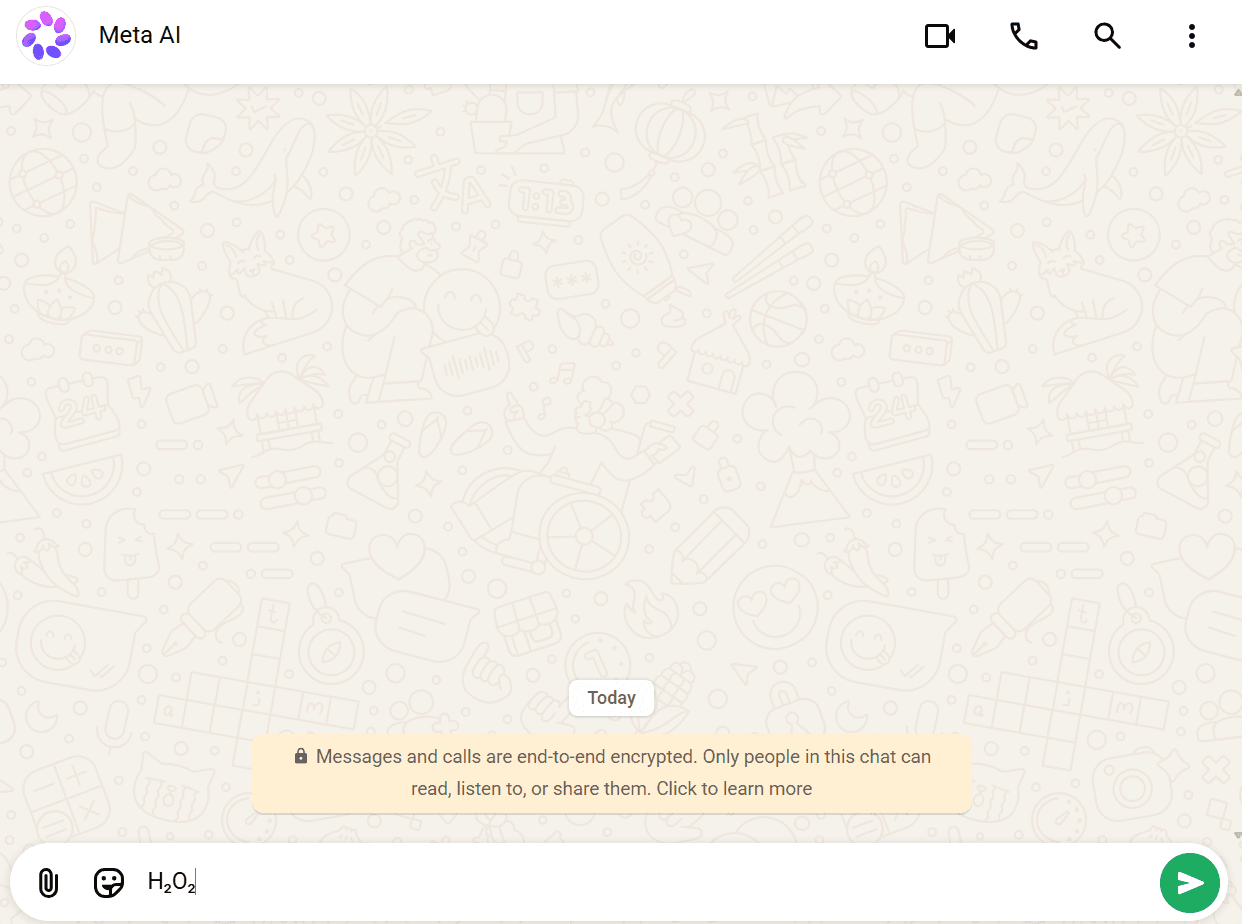
That's the entire process. Since the converted text is made of real Unicode characters, it works the same everywhere, in a one-on-one chat, a group chat, a status update, or even a contact name.
#Why This Works When Word's Shortcuts Don't
Word, PowerPoint, and Google Docs use formatting to make text appear as subscript. This formatting works inside the app, but it may disappear when you copy the text into a plain-text app like WhatsApp.
A subscript generator works differently. Instead of adding formatting, it changes your normal characters into special Unicode characters that already look small and lowered. Because they are actual text characters, you can copy and paste them into places that support plain text.
This means you can use them in WhatsApp, SMS messages, social media bios, usernames, comments, and other text fields without needing a special formatting option.
#Unicode Subscript Limitations
A Unicode subscript generator is useful for chats and social media, but it is not the same as real subscript formatting. Here are a few things to keep in mind:
- Limited characters: Unicode does not have a subscript version of every letter. Numbers such as ₂, ₃, and ₄ are widely available, but many letters are not.
- Different appearance: The characters may look slightly different depending on the app, device, or font you use.
- Not always recognized correctly: Because Unicode subscripts are different characters, some apps, search tools, or screen readers may not treat them like normal letters or numbers.
- Not ideal for formal documents: For school papers, reports, or professional documents, Word or Google Docs' built-in subscript formatting is usually better.
For everyday messages, these limitations usually aren't a problem. For example, you can easily copy and paste H₂O into WhatsApp. But for formal documents, use the app's built-in subscript option when possible.
#Frequently Asked Questions
#Conclusion
WhatsApp doesn't support subscript formatting, so there's no shortcut to memorize. The only way to get subscript-style text into a chat is to convert it first using our subscript generator, then copy and paste the result. It takes a few extra seconds compared to Word's built-in shortcuts, but it's the only method that actually works inside WhatsApp.
Try the Live Subscript Converter
Convert plain text, mathematical variables, and chemical formulas to real Unicode subscripts instantly with one-click copy.